
Coming from Skribisto 2, or from Plume Creator
Your old projects open. The application around them does not look the same. Here is what changed.
Skribisto 3 is not Skribisto 2 with a new coat of paint. It is a rewrite: new language, new interface, new project format. What survived deliberately is your work.
Your projects open
A Skribisto 2 project, the old SQLite .skrib file, is recognised when you open it and upgraded as it loads, into the new bundle format. The original file is not modified; you get a new project alongside it. Open it, keep writing.
A Plume Creator project comes in through Work ▸ Import from ▸ Plume Creator, from any version of Plume’s own format, and is converted to a current .skrib. Again, nothing is written back to the original.
A Scrivener project comes in through Work ▸ Import from ▸ Scrivener, whether it comes from Scrivener 3 or 2 on the Mac, Scrivener for Windows, the Linux beta or a backup .zip. You see how your binder will look before anything is created, and a report afterwards tells you what to check. A Manuskript project, in either of its two formats, comes in the same way through Work ▸ Import from ▸ Manuskript. Neither original is modified.
You can also import a book that never lived in any of these: Markdown, plain text, DOCX and ODT files come in through Work ▸ Import from ▸ Documents, which shows you every item it intends to create, and what it had to guess, before anything is written.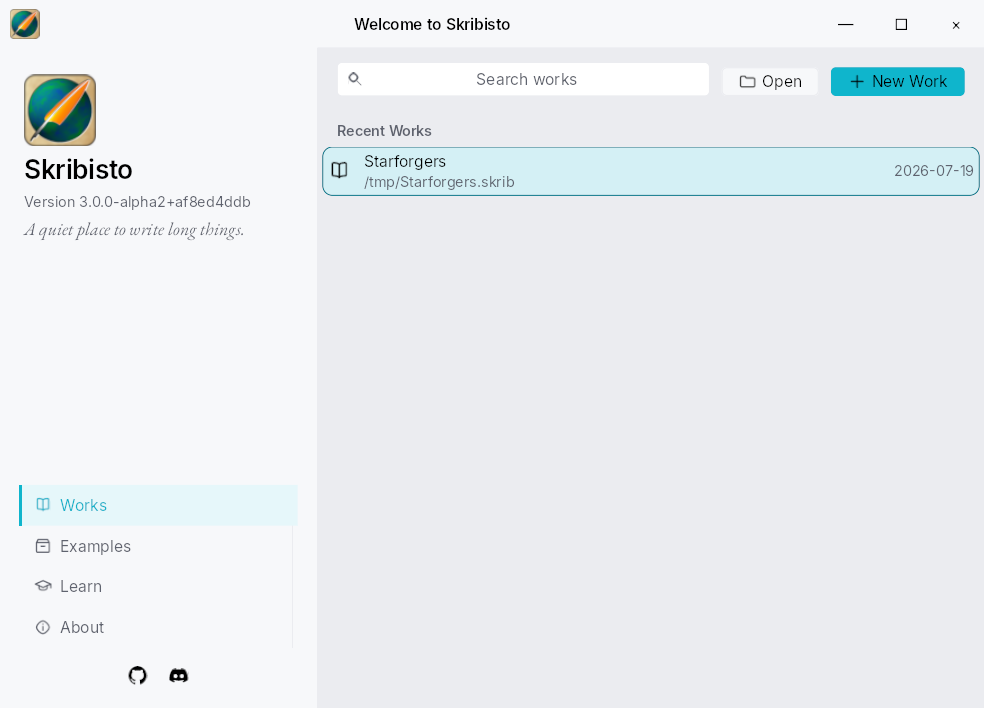
What is genuinely better
- Your manuscript is plain text again. Not a database: Djot files and readable manifests, in a zip or in a folder you can keep in git.
- Structure is explicit. An item is a chapter or a scene because you said so, not because of where it sits in the tree, so reorganising the tree cannot change the book.
- Prose and synopsis are one unit, everywhere: in the editor, in the corkboard, and as whole-book streams you can read end to end.
- Comments, footnotes, images, tags, point of view, mentions, none of which the 2.x line had.
- Export is a real compiler: nine formats, a live preview, and an editorial round trip that brings a DOCX or ODT back from your editor with their comments intact.
- Backups you can actually read, including a version history and a project timeline built out of them.
What is not there
Being honest about a rewrite matters more than being enthusiastic about one.
- Languages. Skribisto 2 shipped with over ten interface translations. Version 3 has English and French. The translation system is simpler than it was: plain text files, no toolchain. So this is the easiest thing in the project to help with, and the one I would most like help with. How to translate.
- Plugins. The old plugin interfaces are gone, and what they provided is built in instead.
- Habits. The interface is genuinely different. F1 inside the application is the fastest way through that, and the Discord is where the awkward questions get answered.
If something is missing that you relied on
Say so. A feature that mattered to a real manuscript beats one that sounded good in a plan: the issue tracker or the Discord.