
Write the book. Format it later.
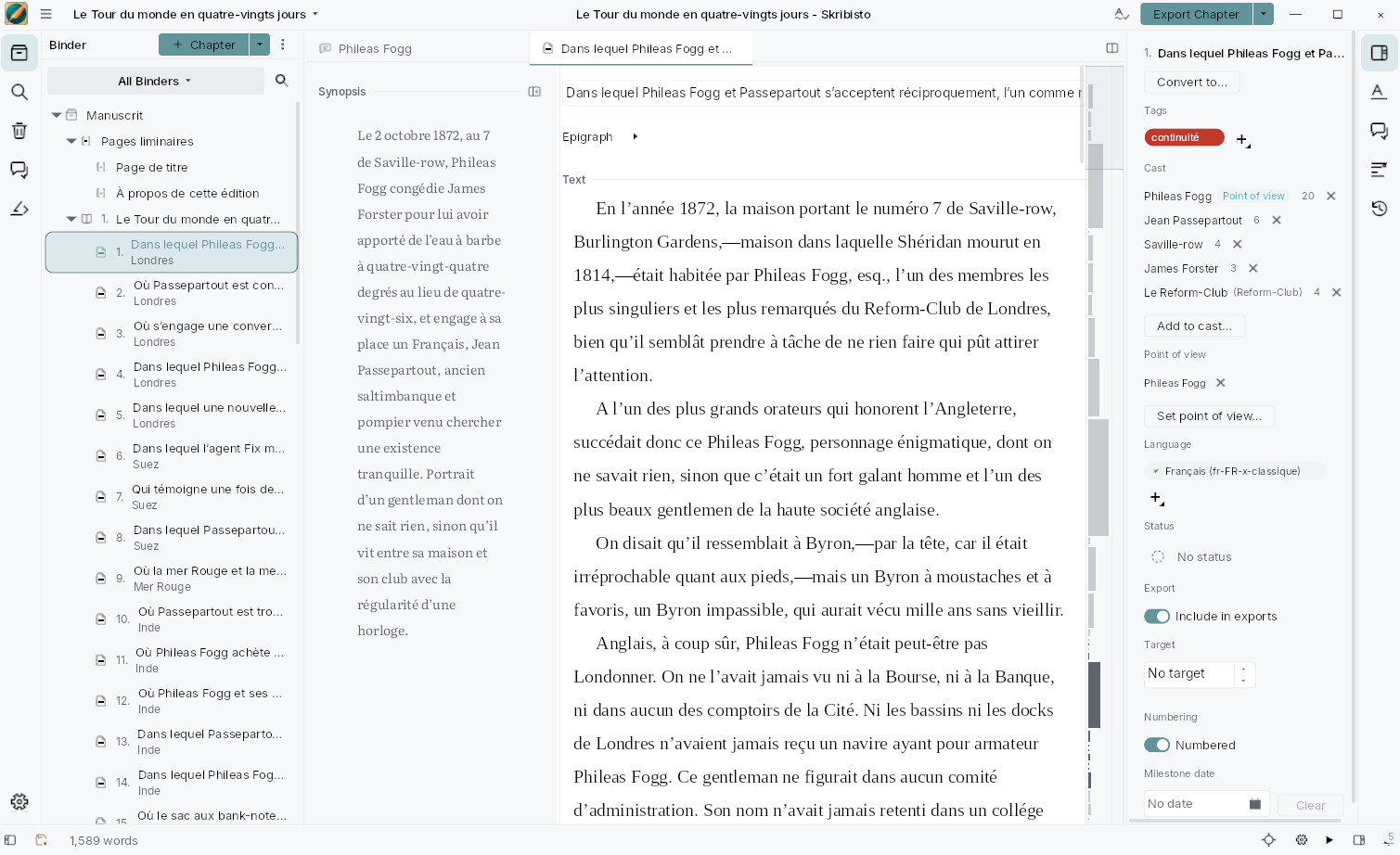
One project holds the lot: your book, or several, the chapters and scenes under them, and the notes and research beside them. Every piece of writing carries a summary of itself, and all of it is saved as text files you can open with anything.
Free software, GPLv3 · Linux, Windows and macOS · current build: 3.3.0
Skribisto means “Writer” in Esperanto.
Six things to know before you start
They are what makes Skribisto different from a folder of documents.
It fits how you write
Several books in one project. Chapters as folders of scenes, or as single pages, in the same book. More than one binder, so the research need not sit in the manuscript’s tree.
Send a chapter out, get it back in
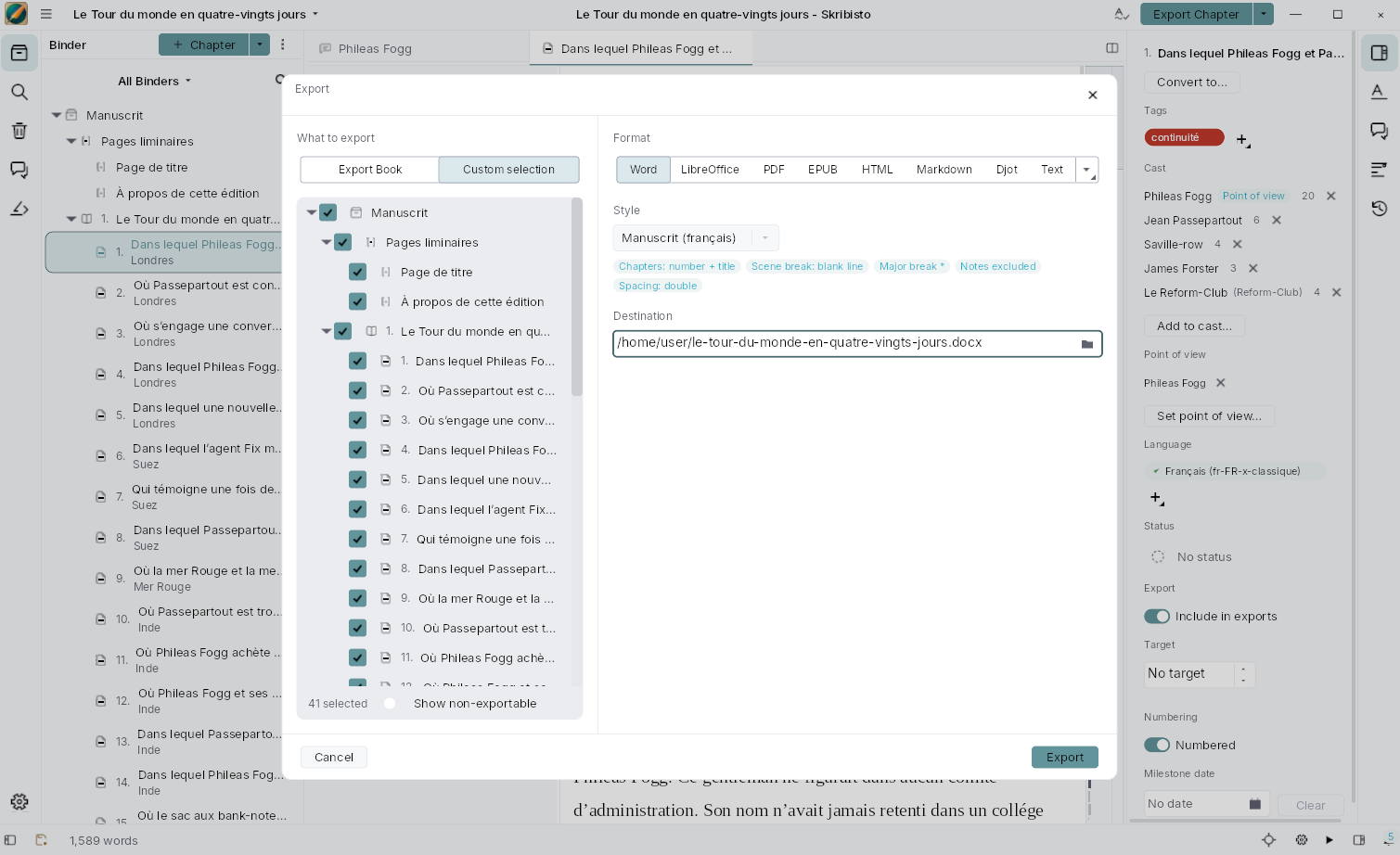
Export a chapter as DOCX or ODT, have it marked up, and it merges back into the book it left. Item by item: Take this version, Keep mine, Comments only.
A story bible that has read your book
Tag a note, give it its aliases, and Skribisto finds it in your prose: the scenes it appears in, and what you have already written about it, quoted back to you.
Nothing gets lost
It saves as you write. The trash restores. Backups run on a schedule and open read-only. The version history puts back what a scene said last week.
Files you can still open in ten years
You write in a rich-text editor; it is stored as Djot, a plain-text format much like Markdown, one file per scene. Nothing in there needs Skribisto to be read.
Accessible on purpose
A real accessibility tree, so a screen reader can drive it. Tested with NVDA, with JAWS, and on a braille display. A gap here is a bug like any other.
What it does today
Not a roadmap. This is the application as it stands.
- Binders you can rearrange without breaking the book.
- A summary beside every piece of writing.
- Split views and tabs, with typography per editor.
- Streams: a chapter, a part or a whole book as one page.
- Corkboard cards you can read, edit and reorder.
- An overview table of everything below a folder.
- Analysis of a book’s shape, against its own numbers.
- Pace planning, with milestones and days off.
- A live word count, and writing sessions.
- Comments in the margin, with threaded replies.
- Footnotes, numbered from the manuscript.
- Note templates for characters, places and research.
- Tags, point of view, and a mention index.
- Images in the text, and a cover.
- Replace-while-typing, following the language you write in.
- Distraction-free writing, with its own themes.
- Search and replace across the whole project.
- Trash and restore, with undo.
- Version history, and a timeline of the project.
- Backups on a schedule, each opening read-only.
- Import from Scrivener, Manuskript, Plume Creator, Markdown, DOCX and ODT.
- Export to nine formats, with a live preview.
- Spell checking, with dictionaries you download.
- Light and dark themes, and adjustable text size.
- English and French, and a screen-reader accessibility tree.
Free software, and it stays that way
Skribisto is under the GNU General Public License v3.0. Four things about that are not going to move.
- Everything you need to write a book (creating, editing, opening, saving and exporting a manuscript, in every format Skribisto supports) is GPLv3, permanently.
- Your project stays readable. The .skrib bundle format is open and documented, and nothing can make one of your projects unreadable by free software.
- Nothing is taken back. No feature that has shipped will ever be moved out of the free application.
- No key, no server, no permission. Skribisto will never require a licence key, an activation step or a network connection to open or edit your own work.
Coming from Plume Creator, or from Skribisto 2?
A Skribisto 2 project is upgraded as it loads: open it and keep writing. A Plume Creator project comes in through Work ▸ Import from ▸ Plume Creator. Neither original file is modified, and the interface has changed enough that five minutes of reading first will save you an hour.
Under the hood
Skribisto 3 is written in Rust, end to end. The interface is built on Teksilo, a pure-Rust GUI toolkit, so there is no Qt, no QML, no C++ and no browser engine in the build. It is a native desktop application that starts like one. The backend is generated from a single model file by Qleany, which is why every operation in the application shares one undo stack and one event bus.
It also exposes a real accessibility tree, so a screen reader can drive it; NVDA and JAWS are the two used for testing. If you hit a gap there, say so: that is a bug like any other.